
The latest version includes several new features and bug fixes:
- Fixed Mixed Octal to Hex function to handle null char at the end
- Fixed and enhanced code related to keep/strip filtering functions
- Fixed unescape handling of null bytes
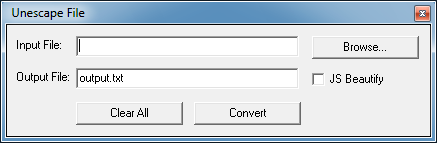
Unescape File
Under the File menu > Unescape File allows you to unescape a text file. You have the option to beautify the Javascript using JSBeautifier (Note: if it’s not Javascript, you will likely get disappointing results).
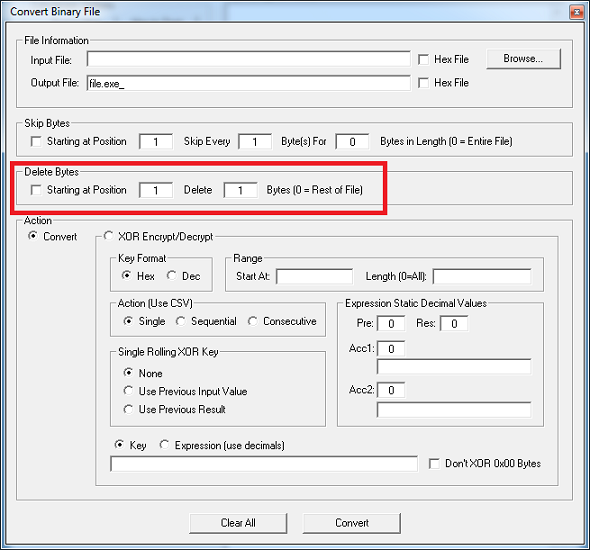
Convert Binary File
Added the ability delete bytes in the File > Convert Binary File function. The bytes are deleted before any action is taken.
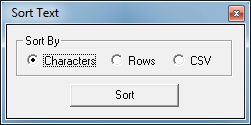
Sort Text
Under the Format menu > Sort Text you can now sort by characters, rows, or comma-delimited values.
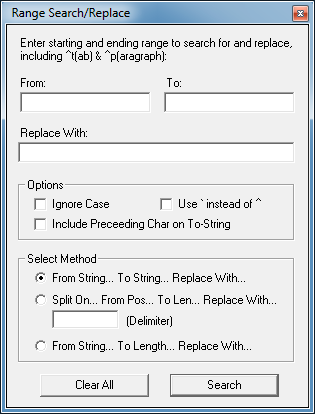
Range Search/Replace
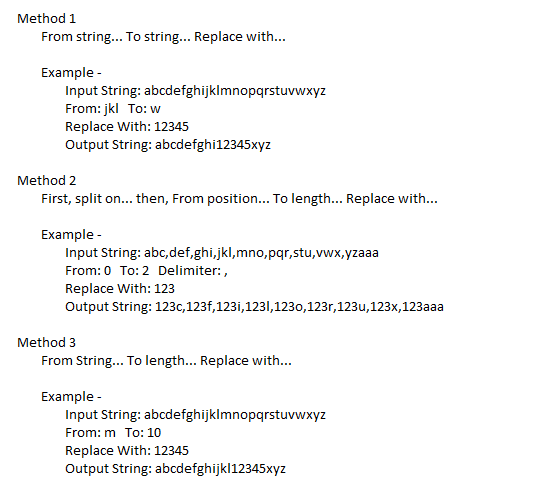
Under the Tools menu > Range Search/Replace enables you to do a search and replace using one of three methods. While you can also do this using regex in Search/Replace Text, this is another way I thought I’d add.
Key Search/Convert - Calculate Distance
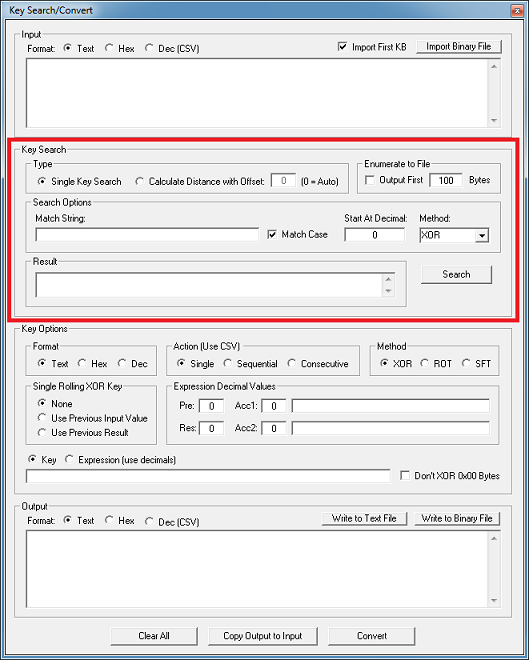
Added a method to have Converter try to automatically find a multi-byte XOR key. You can read this blog post where I describe how this works.
Just import a binary file that you suspect is an executable. You only need the first 1K bytes so leave that checkbox at the top checked. Click on the “Calculate Distance…” option. It will automatically paste in the DOS header string and set it to auto mode. Converter will start using offset 1, 2, 3…until the (near) length of your search string. I found it generated too much false positives if I used the entire length. You can get false positives when you have a short search string or large offset.
Converter, File Converter, and Data Converter can all be downloaded from here. Thank you for your support!